
FCEUX Emulator for PC (NES): Download & Install
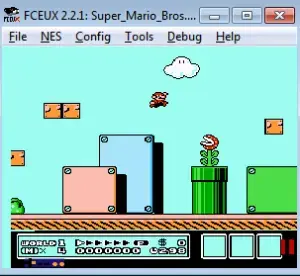
FCEUX is a NES Emulator for Computer, so it will allow us to play NES games on our PC completely free of charge. The main feature to highlight in the FCEUX emulator is that it offers the possibility of emulating several consoles in addition to the NES. It is an emulator with features such as debugging tools, rom hacking, mapping, movie recording, re-recording and Lua scripting. It is a fairly accurate emulator for Windows operating systems that currently has versions in development for Mac Os, Ubuntu and Linux operating systems.
.Windows.NES
| Name | FCEUX |
| Operating System | Windows |
| Emulatable Consoles | Windows |
| Size | 71,1 MB |
Download FCEUX Free for your Computer
To download FCEUX for PC you should follow the instructions below:- Download the file from the button above
- In case you are asked for confirmation, confirm the download of unknown origin.
- Wait for the download to finish.
- If the downloaded file is in .zip or .rar format we will have to unzip it.
- Once we have unzipped the contents, we look for an .exe file (the installer) in the folder.
- Execute the .exe file.
- Follow the installation instructions.
How to install FCEUX?
To install FCEUX on your computer you will have to follow the instructions below:- Before proceeding with the installation we will ensure that we are running the process on a compatible operating system.
- Once the installation file is executed, we will follow the instructions of the installer.
- Select the option to create a shortcut, so you can run the emulator from the desktop.
- Once the installation is finished, you can go to the desktop and click on the corresponding icon to enjoy FCEUX.